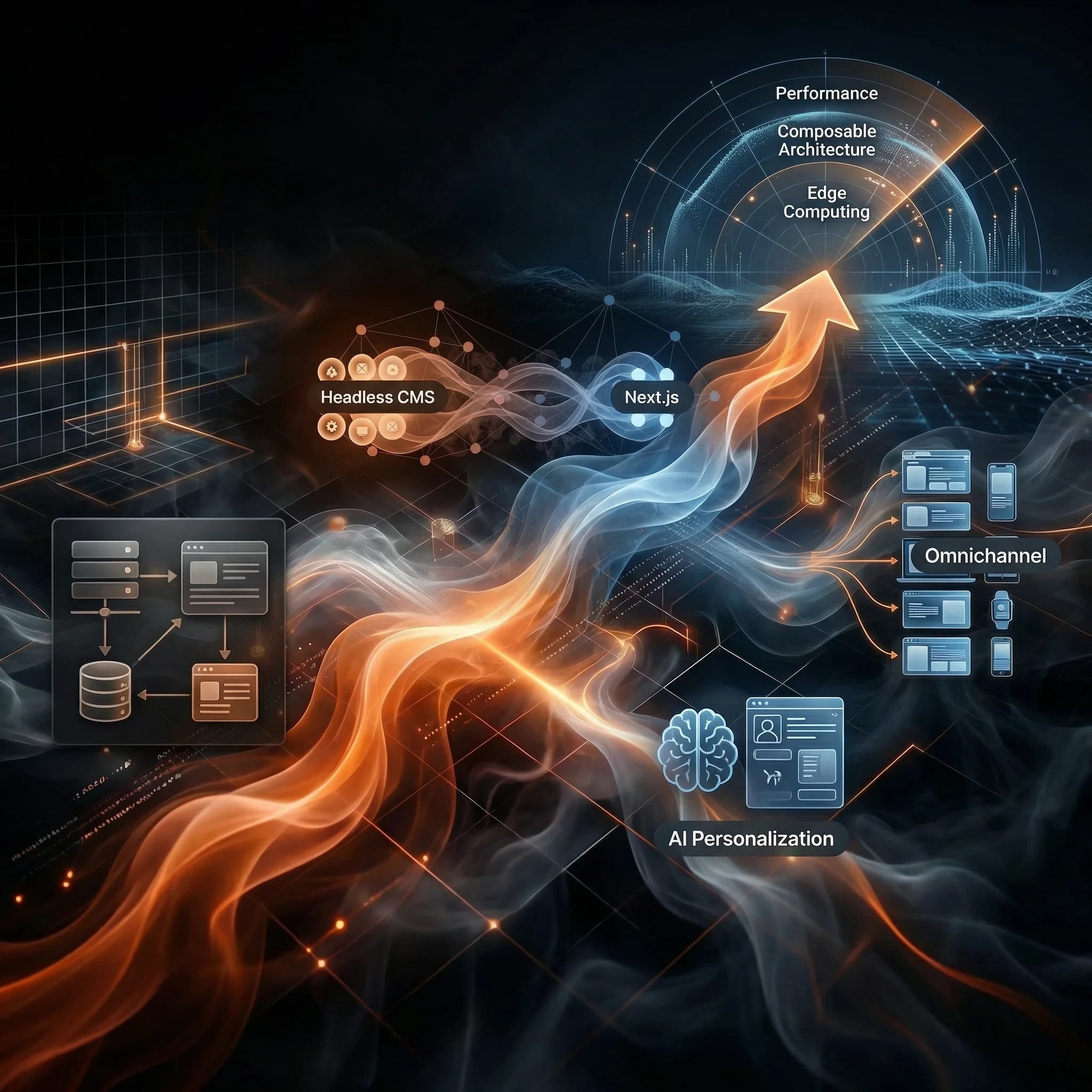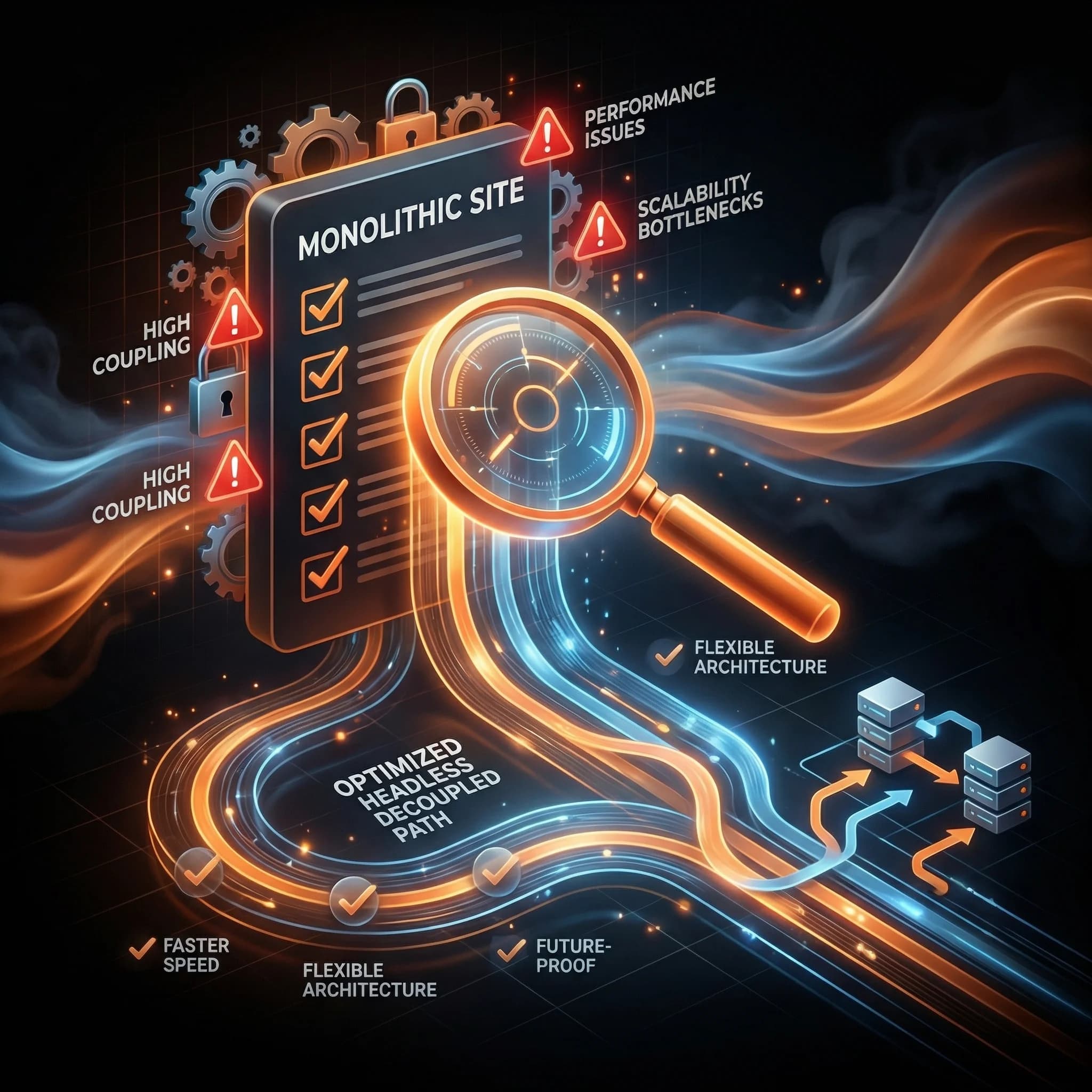





What is a Headless CMS? The Complete Guide for 2026
Everything you need to know about headless CMS: how it works, why it matters, and when to use one. A developer's comprehensive guide to decoupled content management.
After building dozens of content-driven websites and applications, I've watched the headless CMS revolution transform how we think about content management. If you're wondering what all the fuss is about—or trying to decide if headless is right for your next project—you're in the right place.
Key Takeaways
- A headless CMS separates content from presentation — Your content lives in one place and can be delivered anywhere via APIs
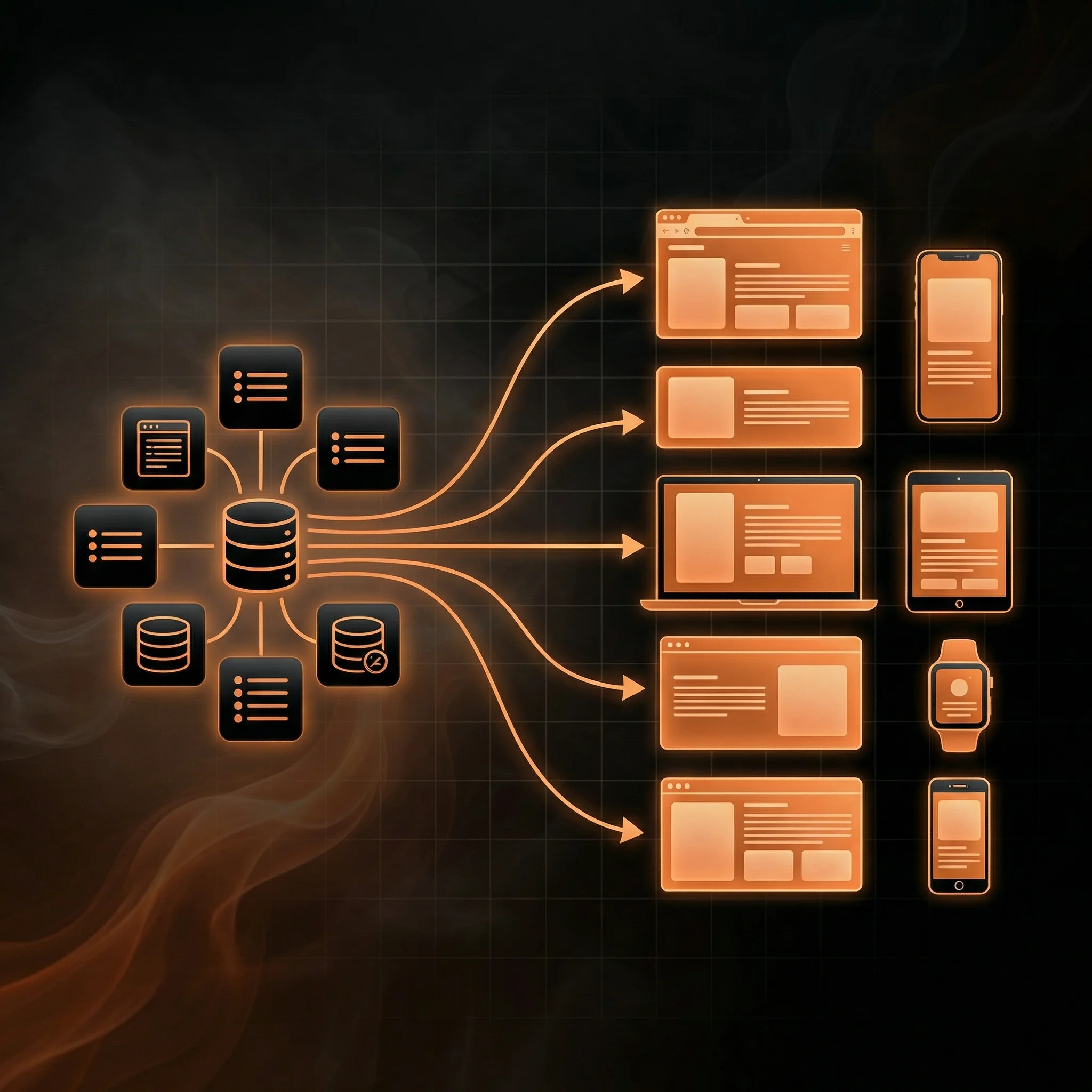
- It enables true omnichannel publishing — Create once, publish everywhere: websites, mobile apps, IoT devices, digital signage
- Developers get full freedom — Use any frontend framework (Next.js, Astro, Vue) without CMS constraints
- It's not for everyone — Small blogs and simple sites may be better served by traditional CMS options
What is a Headless CMS?
A headless CMS is a content management system that separates where content is stored (the "body") from where it's presented (the "head"). Unlike traditional CMS platforms like WordPress that bundle content management with a specific way of displaying that content, a headless CMS focuses purely on content storage and delivery via APIs.
Think of it like a recording studio. In a traditional setup, you might record a song directly to a tape—the recording and playback are coupled together. But a professional studio records each instrument as a separate track. The drums, bass, vocals, and guitars are all independent. A sound engineer can then mix and remix these tracks for different formats: vinyl, streaming, radio, or even a movie soundtrack.
┌─────────────────────────────────────────────────────────────────┐
│                    TRADITIONAL CMS                              │
│                    (Tightly Coupled)                            │
├─────────────────────────────────────────────────────────────────┤
│                                                                 │
│   ┌──────────────────────────────────────────────────────┐     │
│   │                                                      │     │
│   │     Database  ←→  Backend  ←→  Frontend/Templates   │     │
│   │                                                      │     │
│   │        Content + Code + Presentation                 │     │
│   │              ALL IN ONE SYSTEM                       │     │
│   │                                                      │     │
│   └──────────────────────────────────────────────────────┘     │
│                              ↓                                  │
│                         Website Only                            │
│                                                                 │
└─────────────────────────────────────────────────────────────────┘
A headless CMS works the same way. Your content—text, images, videos, structured data—is stored independently. It can then be "remixed" and delivered to any platform: your website, a mobile app, a smart TV, a digital kiosk, or even an AI assistant.
┌─────────────────────────────────────────────────────────────────┐
│                      HEADLESS CMS                               │
│                      (Decoupled)                                │
├─────────────────────────────────────────────────────────────────┤
│                                                                 │
│   ┌─────────────────────┐                                      │
│   │   CONTENT LAYER     │                                      │
│   │   ┌─────────────┐   │                                      │
│   │   │  Database   │   │                                      │
│   │   └─────────────┘   │                                      │
│   │   ┌─────────────┐   │                                      │
│   │   │   Editor    │   │                                      │
│   │   └─────────────┘   │                                      │
│   └──────────┬──────────┘                                      │
│              │                                                  │
│              ▼                                                  │
│   ┌─────────────────────┐                                      │
│   │     API LAYER       │                                      │
│   │   REST / GraphQL    │                                      │
│   └──────────┬──────────┘                                      │
│              │                                                  │
│    ┌─────────┼─────────┬─────────────┬─────────────┐          │
│    ▼         ▼         ▼             ▼             ▼          │
│ ┌──────┐ ┌──────┐ ┌─────────┐ ┌──────────┐ ┌───────────┐     │
│ │ Web  │ │Mobile│ │Smart TV │ │ Digital  │ │    AI     │     │
│ │ Site │ │ App  │ │   App   │ │ Signage  │ │ Assistant │     │
│ └──────┘ └──────┘ └─────────┘ └──────────┘ └───────────┘     │
│                                                                 │
└─────────────────────────────────────────────────────────────────┘
A Brief History of Content Management
To understand why headless CMSes emerged, it helps to see how we got here.
The Static Era (1990s)
In the early days of the web, websites were built with static HTML files. Every page was hand-coded. Want to update your copyright year? Edit every single file. It was simple but completely unscalable.
The Monolithic CMS Era (2000s-2010s)
Then came content management systems like WordPress, Drupal, and Joomla. These were revolutionary—suddenly, non-technical users could publish content without touching code. The CMS handled everything: storing content, managing users, and rendering pages.
But these systems were built for a simpler time. They assumed content would only live on a website. The backend (where content is managed) and the frontend (where it's displayed) were tightly coupled.
The Headless Revolution (2015-Present)
Then smartphones exploded. Then smart TVs. Then voice assistants. Then smartwatches. Suddenly, businesses needed to deliver content to dozens of different platforms—and traditional CMSes couldn't keep up.
The headless approach emerged as a solution: separate content from presentation entirely. Store your content once, deliver it anywhere. The "head" (frontend presentation) is completely independent from the "body" (content management).
Today, 73% of organizations have adopted or are planning to adopt headless architecture to meet modern digital demands.
How Does a Headless CMS Work?
A headless CMS operates through three distinct layers, each handling a specific responsibility:
1. Content Layer
This is where content creators work. The CMS provides an editing interface—often with rich text editors, media management, and collaboration tools. Content is stored in a structured format, typically with custom schemas you define.
For example, a "Blog Post" might have fields like:
- Title (text)
- Slug (text)
- Body (rich text)
- Featured Image (asset)
- Author (reference to Author document)
- Categories (array of references)
- Published Date (datetime)
This structured approach means content isn't trapped in HTML blobs—it's organized, queryable data.
2. API Layer
The API is the bridge between your content and any application that needs it. Most headless CMSes offer:
- REST APIs — Traditional HTTP endpoints that return JSON
- GraphQL APIs — Query exactly the data you need, nothing more
Here's what fetching a blog post might look like:
// Using REST API
const response = await fetch("https://api.cms.com/posts/what-is-headless-cms");
const post = await response.json();

// Using GraphQL
const query = `
  query {
    post(slug: "what-is-headless-cms") {
      title
      body
      author {
        name
        avatar
      }
    }
  }
`;
3. Presentation Layer
This is where developers shine. Since the CMS doesn't dictate how content is displayed, you're free to use any technology:
- Next.js for React-based websites with SSG/SSR
- Astro for ultra-fast static sites
- React Native for mobile apps
- Swift/Kotlin for native mobile development
- Any framework that can make HTTP requests
The presentation layer fetches content via the API and renders it however you want. Complete creative and technical freedom.
Traditional CMS vs Headless CMS
Here's a direct comparison to help you understand the differences:
| Aspect | Traditional CMS | Headless CMS |
|---|---|---|
| Architecture | Monolithic (all-in-one) | Decoupled (API-first) |
| Frontend | Built-in templates | Bring your own |
| Content Delivery | Single website | Any platform via API |
| Developer Flexibility | Limited to CMS tech stack | Use any framework |
| Scaling | Complex, often expensive | Cloud-native, elastic |
| Security | Larger attack surface | Smaller, API-only exposure |
| Content Reuse | Copy-paste between pages | True omnichannel reuse |
| Time to Market | Faster for simple sites | Faster for complex platforms |
| Technical Debt | Accumulates with plugins | Managed, modular |
| Best For | Simple blogs, small business sites | Enterprise, multi-platform |
Headless vs Decoupled CMS: What's the Difference?
You'll often hear "headless" and "decoupled" used interchangeably, but they're slightly different:
Headless CMS: Has no presentation layer at all. It's purely a content backend with APIs. You must build your own frontend.
Decoupled CMS: Separates backend and frontend but includes an optional default presentation layer. Think of traditional CMSes like WordPress or Drupal that have added API capabilities—they can work headlessly, but they still have a built-in "head."
In practice, most modern "headless" platforms are truly headless—they don't assume anything about how your content will be displayed.
6 Key Benefits of Headless CMS
1. Omnichannel Content Delivery
Create content once, publish everywhere. Your marketing team writes a product description once, and it automatically appears on:
- Your website
- Your mobile app
- In-store digital displays
- Email campaigns
- Voice assistants
No copy-pasting. No version inconsistencies. One source of truth.
2. Developer Freedom
This is the benefit I appreciate most. With a headless CMS, I'm not locked into PHP because WordPress uses it, or forced to learn proprietary templating languages. I can use:
- Next.js for React-powered websites (my go-to)
- Astro for content-heavy static sites
- SvelteKit for snappy, modern UIs
- Native iOS/Android for mobile apps
The CMS doesn't care. It just serves content via APIs.
3. Better Performance
Traditional CMSes generate pages on the fly, which requires database queries and server processing for every request. Headless architectures enable:
- Static Site Generation (SSG) — Pre-build pages at compile time
- Incremental Static Regeneration (ISR) — Update static pages without full rebuilds
- Edge caching — Serve content from CDNs globally
The result? Sub-second load times and strong Core Web Vitals. I've written more about this in my guide to mastering ISR.
4. Easier Scaling
Cloud-native headless CMSes handle scaling automatically. Traffic spike from a viral post? The CMS scales. Black Friday rush? No problem. You're not managing servers or worrying about database optimization—that's the platform's job.
5. Enhanced Security
With a traditional CMS, your content management system is exposed to the internet—every plugin vulnerability is a potential attack vector. With headless:
- The CMS backend can be completely private
- Only the API is exposed, with proper authentication
- Your frontend is static files on a CDN—there's nothing to hack
6. Future-Proof Architecture
New platform emerges? New device category? With headless, you just build a new frontend that consumes your existing content API. Your content strategy isn't locked to today's technology decisions.
When Do You Need a Headless CMS?
Headless isn't right for everyone. Here's how to know if it's right for you:
You're Ready for Headless If:
✅ You need to publish content across multiple platforms (web, mobile, IoT)
✅ Your marketing and development teams are bottlenecked by each other
✅ You're investing in modern frontend frameworks like Next.js or Astro
✅ You plan to scale globally or support multiple brands/regions
✅ You need fine-grained control over performance and user experience
✅ Your content strategy demands flexibility and future-proofing
A Traditional CMS Might Be Better If:
❌ You're building a simple blog with minimal custom requirements
❌ You don't have developer resources and need something turnkey
❌ You need to launch immediately with minimal budget
❌ Your content only needs to live on one website
Top Headless CMS Options in 2026
After working with most major platforms, here are my honest takes:
Sanity
Best for: Complex content models, real-time collaboration, developer experience
Sanity is my go-to CMS for Next.js projects. The customizable Studio, GROQ query language, and real-time collaboration are hard to beat. It treats content as structured data, not page blobs.
Pricing: Generous free tier, pay-as-you-grow
Contentful
Best for: Enterprise teams, established workflows, extensive integrations
The original headless CMS pioneer. Contentful has a mature ecosystem and excellent enterprise features. It's pricier but battle-tested at scale.
Pricing: Free tier available, enterprise pricing can be steep
Storyblok
Best for: Marketing teams, visual editing, component-based content
Storyblok's visual editor is genuinely impressive—marketers can build pages without developer involvement. Great for teams that need to move fast.
Pricing: Competitive, with a solid free tier
Payload CMS
Best for: Self-hosting, full control, TypeScript enthusiasts
The most interesting newer entrant in this space. Payload is open-source, self-hosted, and TypeScript-native. If you want full control and don't mind managing infrastructure, it's excellent. I've compared it extensively in my Payload vs Contentful breakdown.
Pricing: Free (self-hosted), cloud offering available
Headless CMS and SEO
A common concern: "Will going headless hurt my SEO?" The short answer: No—it can actually improve it.
Why Headless Can Boost SEO
Performance: Search engines reward fast sites. Headless architectures with SSG/ISR deliver near-instant load times and excellent Core Web Vitals scores.
Structured Content: Content stored as structured data makes it easier to implement proper schema markup, Open Graph tags, and metadata—all signals search engines love.
Clean Code: Without CMS-generated bloat, your HTML is cleaner and more semantic. Every byte matters for performance.
Modern Frameworks: Tools like Next.js have SEO best practices built-in: automatic sitemap generation, image optimization, and metadata management.
SEO Best Practices for Headless
- Use Static Site Generation (SSG) for content that doesn't change frequently
- Implement ISR for content that needs freshness without sacrificing speed
- Pre-render all routes — Don't rely on client-side rendering for important content
- Generate XML sitemaps automatically from your content
- Use proper semantic HTML — Your framework gives you full control, use it wisely
Headless CMS with Next.js
As a Next.js specialist, I've found headless CMSes to be the perfect pairing. Next.js provides:
- App Router with React Server Components for optimal data fetching
- Built-in ISR for content freshness without rebuild delays
- Image Optimization that works seamlessly with CMS assets
- API Routes for handling webhooks and custom functionality
- Edge Runtime for global, low-latency delivery
The workflow is smooth: content editors work in the CMS, developers build the frontend in Next.js, and the two connect via API. Changes in the CMS can trigger rebuilds or ISR updates automatically.
If you're building with Next.js, check out my detailed guide on why Sanity is my go-to CMS and my deep dive into mastering ISR for CMS sites.
My Recommendation
If you've made it this far, you're probably wondering: "Should I go headless?"
For most modern web projects: yes. The flexibility, performance, and future-proofing benefits are too significant to ignore. The initial learning curve pays dividends as your project scales.
My specific recommendations:
-
Starting a new project with Next.js? Go with Sanity. The developer experience is exceptional, and it scales beautifully.
-
Enterprise with existing workflows? Contentful or Storyblok depending on whether developers or marketers drive content changes.
-
Want full control and self-hosting? Payload CMS is the most exciting option in this space.
-
Simple blog or landing page? Honestly, a traditional CMS or even markdown files might serve you better. Don't over-engineer.
The headless revolution isn't hype—it's a fundamental shift in how we think about content. Separate your content from presentation, and you unlock possibilities that traditional CMSes simply can't match.
Ready to make the switch? Start with your content model—get that right, and everything else falls into place.
Have questions about headless CMS or need help with your Next.js project? Get in touch—I'd love to help.