





7 Signs Your Website is Costing You Customers (And How to Fix It)
Your website might be driving customers away without you knowing. Here are 7 warning signs to watch for and practical fixes that can boost your conversions.
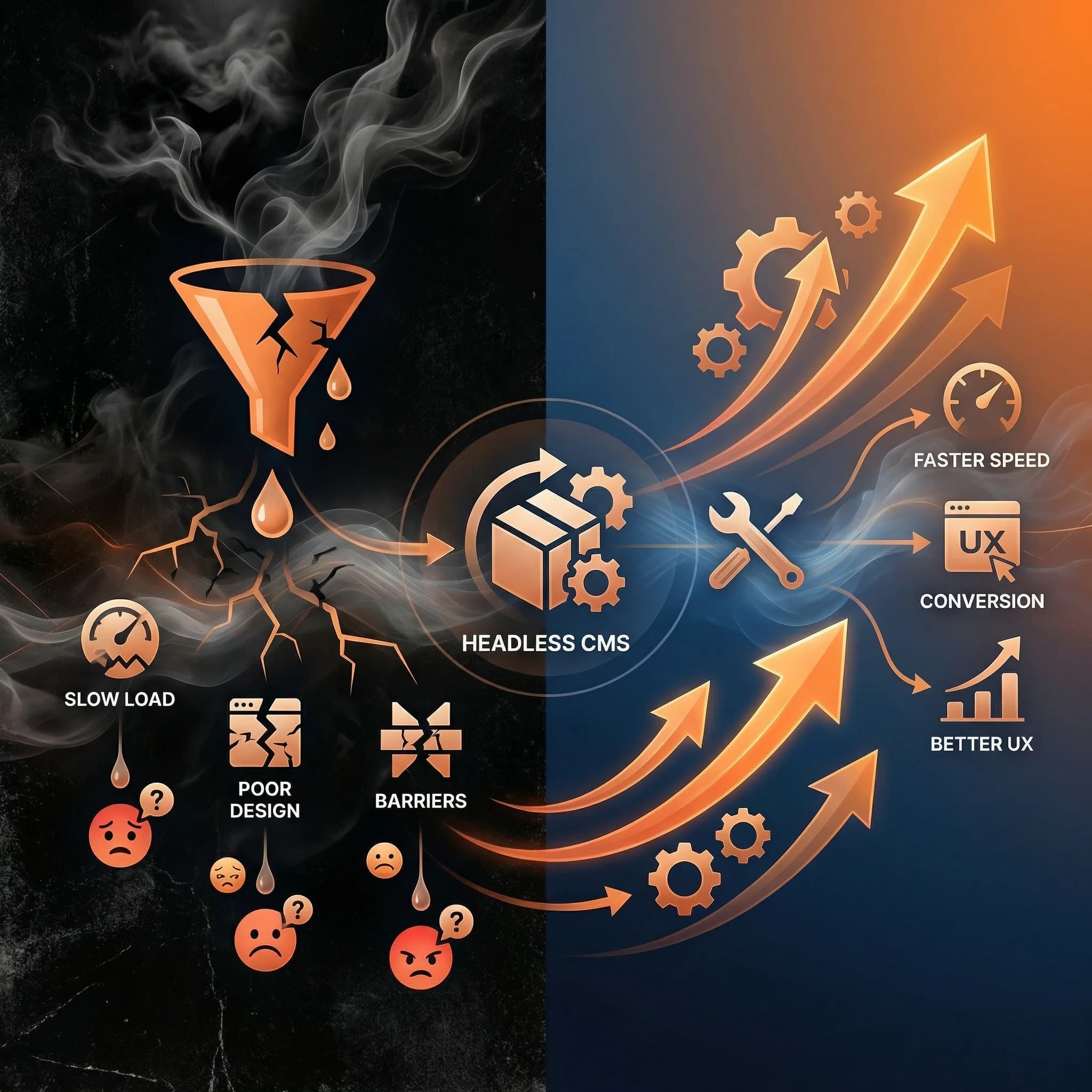
7 Signs Your Website is Costing You Customers (And How to Fix It)
Your website works. People can visit it. Information is there. So everything's fine, right?
Not necessarily.
The difference between a website that "works" and one that converts can be hundreds of thousands of dollars in lost revenue. And the scary part? Most business owners don't realize their site is the problem.
Here are 7 warning signs that your website might be silently driving customers to your competitors.
Sign #1: Your Site Takes More Than 3 Seconds to Load
The Data:
- 53% of mobile users abandon sites that take longer than 3 seconds
- Each additional second of load time reduces conversions by 7%
- Google ranks faster sites higher in search results
Quick Test: Go to PageSpeed Insights and enter your URL. If your mobile score is below 50, you have a serious problem.
Real Impact: I recently audited a site making $50,000/month. Their load time was 6 seconds on mobile. After optimization brought it to 1.8 seconds, monthly revenue increased to $67,000—a 34% boost from speed alone.
How to Fix It:
- Quick wins: Compress images, enable browser caching
- Medium effort: Remove unused plugins, optimize code
- Best solution: Modern tech stack (Next.js, headless CMS)
Sign #2: Your Mobile Experience is an Afterthought
The Reality:
- 60%+ of web traffic is now mobile
- Mobile users are more likely to convert on well-optimized sites
- Google uses mobile-first indexing (your mobile site IS your site for rankings)
Warning Signs:
- Text too small to read without zooming
- Buttons too close together (fat finger problem)
- Horizontal scrolling required
- Pop-ups covering content
- Forms difficult to complete
Quick Test: Open your website on your phone. Try to complete your most important action (buy, contact, sign up). Time yourself. Is it frustrating?
How to Fix It:
- Minimum: Responsive design that adapts to screen sizes
- Better: Mobile-first design approach
- Best: Separate mobile experience optimization
Sign #3: Your Content is Outdated or Hard to Update
The Problem:
- Blog posts from 2019 (with outdated information)
- "Coming soon" sections that never came
- Inconsistent branding across pages
- Team bios of people who left years ago
Why It Matters: Outdated content signals to visitors that your business might be:
- Inactive or declining
- Not detail-oriented
- Behind on industry trends
The Hidden Cost: When updates are hard, they don't happen. Your marketing team gives up, and your site becomes a digital ghost town.
How to Fix It:
- Audit content quarterly
- Implement a CMS that makes updates easy
- Assign content ownership
- Set up a content calendar
Sign #4: You're Invisible on Google
Check Your Visibility: Search for your main product/service + your city. Are you on page one? Page two? Not at all?
Common Culprits:
- No SEO strategy (meta titles, descriptions)
- Thin content (pages with little text)
- Missing schema markup
- Slow site speed (affects rankings)
- Not mobile-friendly
- No blog or fresh content
The Compound Effect: Low rankings → Less traffic → Fewer customers → Less revenue → Less investment in website → Even lower rankings
How to Fix It:
| Issue | Quick Fix | Long-term Solution |
|---|---|---|
| No meta tags | Add to key pages | Comprehensive SEO audit |
| Thin content | Expand existing pages | Content strategy |
| Slow speed | Basic optimization | Modern architecture |
| No fresh content | Start a blog | Content calendar |
Sign #5: Your Site Doesn't Work With Your Other Tools
The Disconnect Problem:
- Website contact forms not connected to CRM
- E-commerce not synced with inventory
- No integration with email marketing
- Analytics not properly tracking conversions
- Chat widgets breaking site speed
What This Costs You:
- Manual data entry (wasted hours)
- Leads falling through cracks
- Inaccurate reporting
- Inventory mismatches
- Inconsistent customer experience
Real Example: A client was manually copying leads from their website form to their CRM—200+ leads per month. That's roughly 10 hours of someone's time. After integration, zero manual work needed.
How to Fix It:
- Audit your current tool stack
- Identify integration opportunities
- Prioritize high-impact connections
- Consider a headless architecture for maximum flexibility
Sign #6: You Can't Tell What's Working
Flying Blind:
- No idea which pages convert best
- Don't know where visitors drop off
- Can't attribute sales to marketing channels
- No heatmaps or user recordings
- Making decisions based on gut feel
The Cost of Guessing: Without data, you're optimizing based on opinions. Meanwhile, your competitors are making data-driven improvements every month.
What You Should Track:
- Conversion rate by page and traffic source
- Bounce rate for landing pages
- User flow through your site
- Form abandonment rates
- Load time impact on conversions
How to Fix It:
- Set up Google Analytics 4 properly
- Implement conversion tracking
- Use heatmap tools (Hotjar, Clarity)
- Review data monthly
- A/B test changes
Sign #7: Your Design Looks Like 2018
Design Age Indicators:
- Stock photos that look fake
- Carousel/slider on homepage
- Tiny social media icons in header
- Hamburger menu on desktop
- Walls of text
- Low contrast colors
- Generic template feel
Why Design Matters:
- Users form opinions in 0.05 seconds
- 75% of users judge credibility based on design
- Dated design implies dated business practices
Modern Design Signals Trust:
- Clean, spacious layouts
- Authentic photography
- Subtle animations
- Clear visual hierarchy
- Fast, smooth interactions
How to Fix It:
- Band-aid: Update hero images and fonts
- Better: Targeted design refresh
- Best: Complete redesign with modern tech
The Compound Effect
Here's what most people miss: these problems compound.
A slow site (Sign #1) hurts your Google rankings (Sign #4), which reduces traffic, which makes it seem like your site is "working" even though conversion rates are terrible.
An outdated design (Sign #7) makes visitors bounce quickly (Sign #1's bounce rate), which tells Google your content isn't valuable (Sign #4).
One problem feeds another.
How to Prioritize Fixes
Not all fixes are equal. Here's how to prioritize:
High Impact, Lower Effort
- Site speed optimization
- Mobile experience fixes
- Analytics setup
High Impact, Higher Effort
- SEO improvements
- Tool integrations
- Design refresh
Requires Bigger Investment
- Content overhaul
- Complete rebuild
Self-Assessment Checklist
Score your site (1 point per "yes"):
- Site loads in under 3 seconds on mobile
- Mobile experience is smooth and easy
- Content was updated in the last 30 days
- You rank on page 1 for key terms
- Website integrates with your CRM/tools
- You review analytics weekly
- Design was updated in the last 2 years
Score:
- 6-7: You're in good shape
- 4-5: Room for improvement
- 0-3: Your website is likely costing you customers
What's Next?
If you identified multiple issues, you have two paths:
Path 1: Incremental Fixes Address issues one by one, starting with speed and mobile. Good for tight budgets, but improvements may be limited by underlying architecture.
Path 2: Strategic Rebuild Invest in modern technology stack that solves all issues at once. Higher upfront cost, but better long-term ROI and lower ongoing maintenance.
Related Reading:
- Headless CMS Explained Simply — Understand the modern approach to website architecture
- Free Website Audit Checklist — A comprehensive self-assessment tool
- 2026 Website Trends — What's coming and how to prepare
I help businesses figure out which path makes sense for their situation.
Get a free website audit — I'll review your site and give you specific recommendations, whether or not we work together.
Questions about any of these issues? Reach out — I'm happy to point you in the right direction.